> ## Documentation Index
> Fetch the complete documentation index at: https://docs.byteai.me/llms.txt
> Use this file to discover all available pages before exploring further.
# Authentication / API Keys
> Authentication for the API
## API Keys
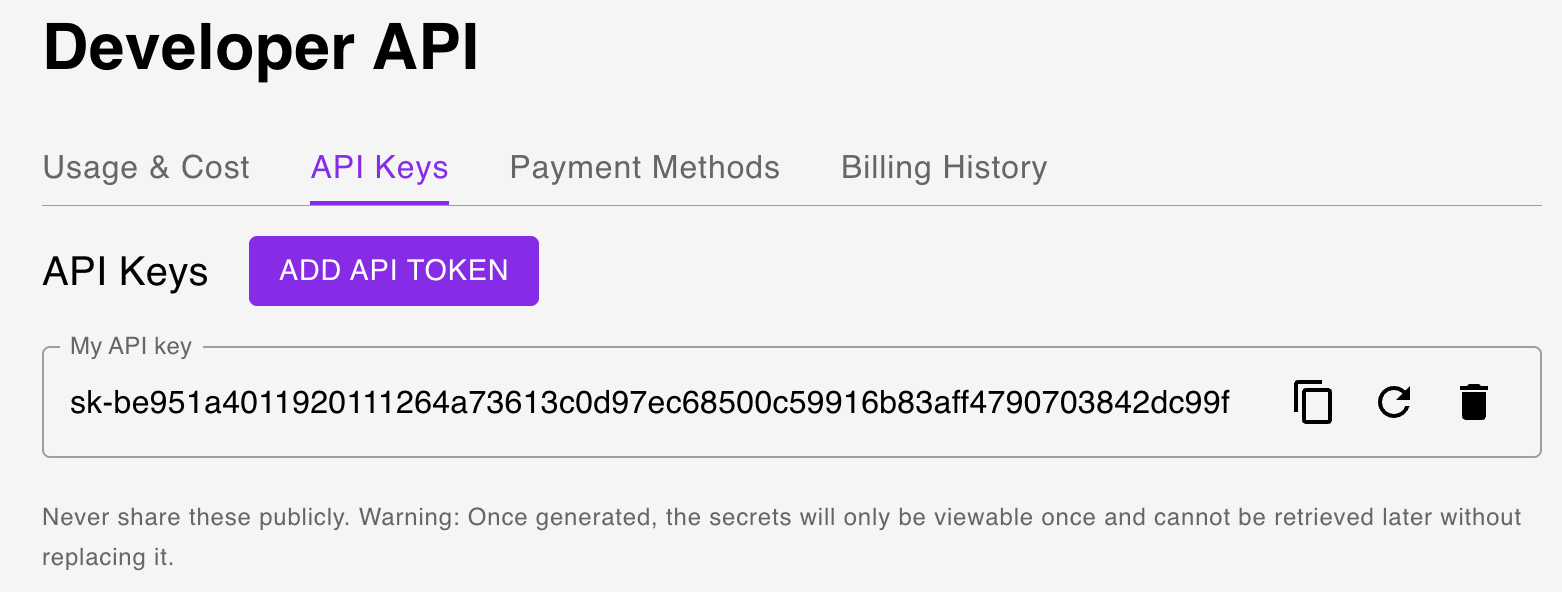
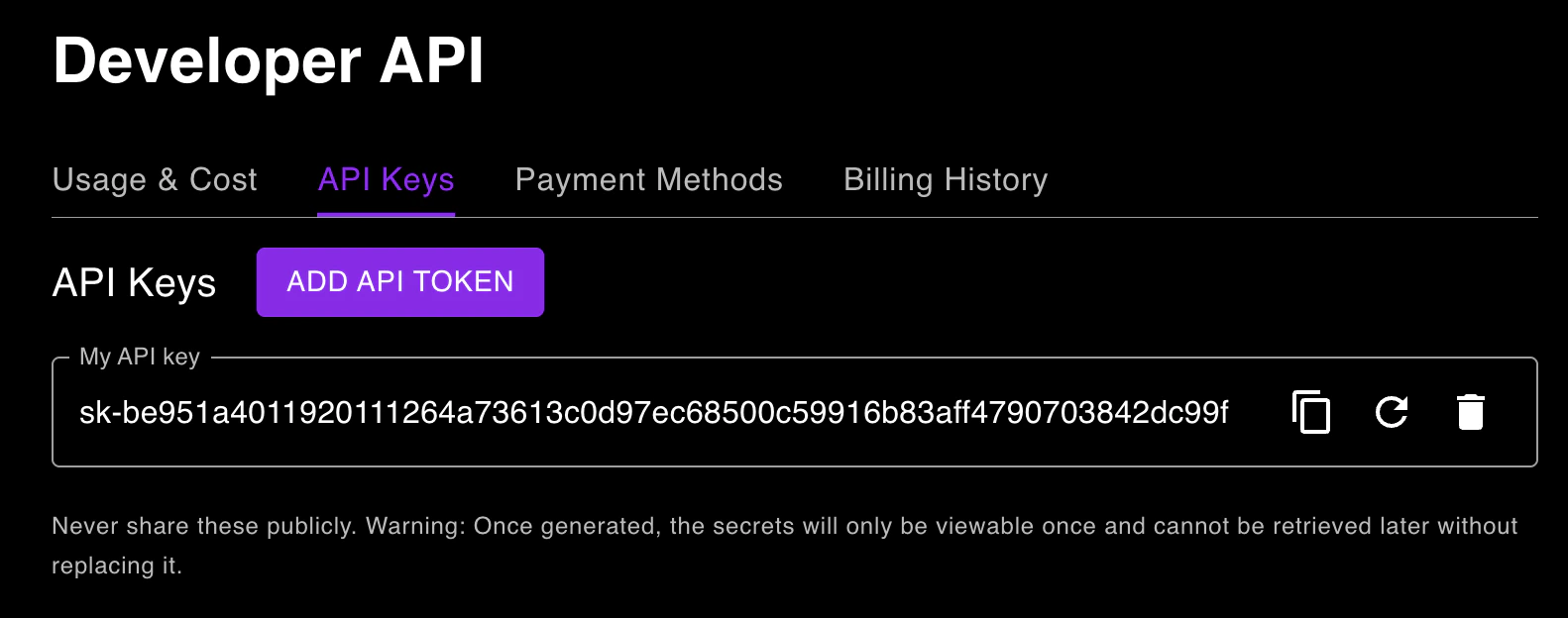
To use the API, you need to have an API key. You can get your API key from the [dashboard](https://app.byteai.me/developer-api?utm_source=api_docs\&tab=api_keys).
Note that the API key in the screenshot below is inactive and for demonstration purposes only.
 You can authenticate requests by setting the `Authorization` header to the API key.
```
Authorization: Bearer YOUR_API_KEY
```
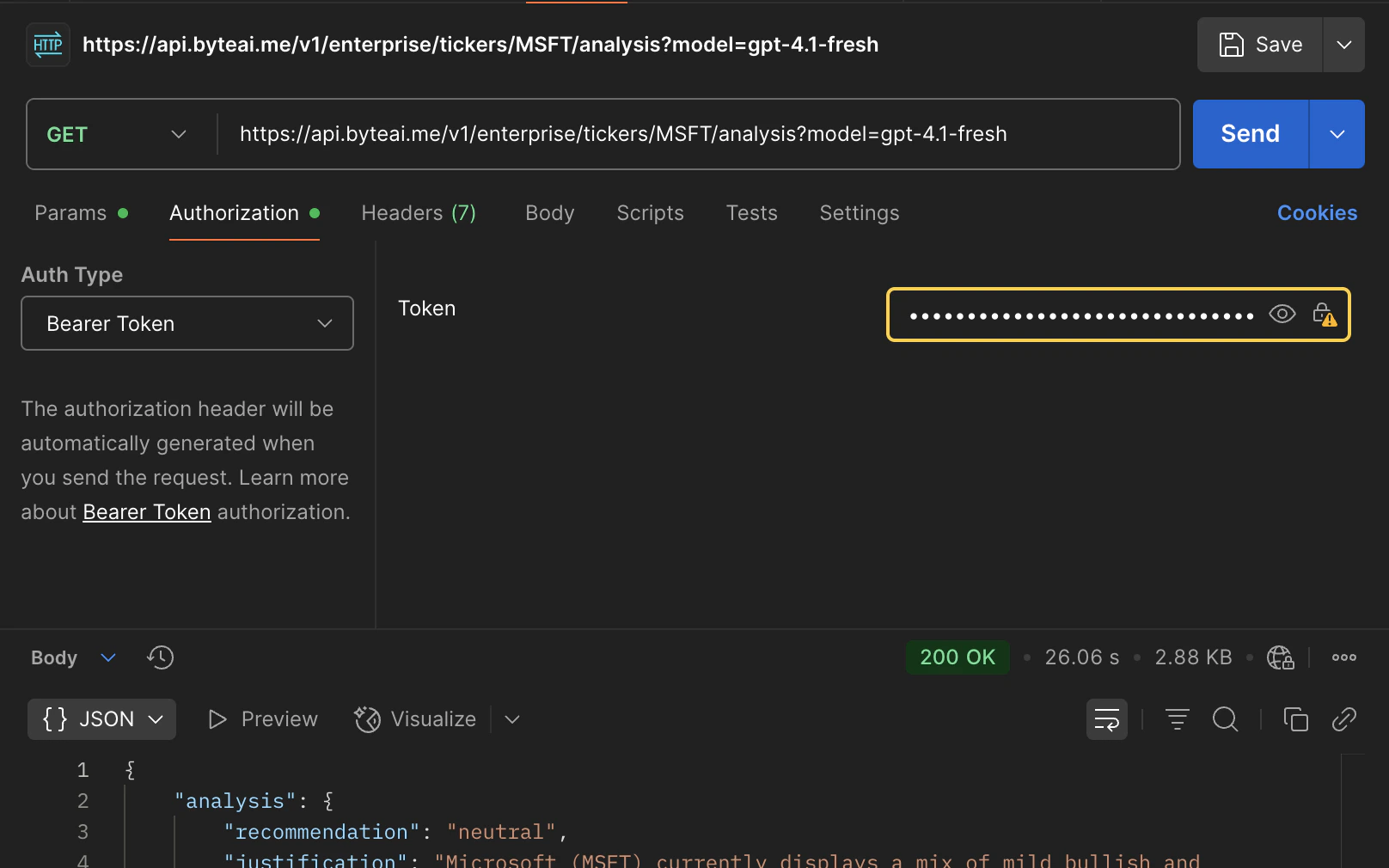
If you are using Postman, you can set the Auth Type to "Bearer Token" and paste your API key.
You can authenticate requests by setting the `Authorization` header to the API key.
```
Authorization: Bearer YOUR_API_KEY
```
If you are using Postman, you can set the Auth Type to "Bearer Token" and paste your API key.